Operations
Part of Running productivity software as a dependable service with an operating charter
Turning a configured productivity platform into a daily route with a trigger and a finish
Turn a configured productivity platform into a workable daily route, from complete intake and triage through ownership, exceptions, evidence and closure.
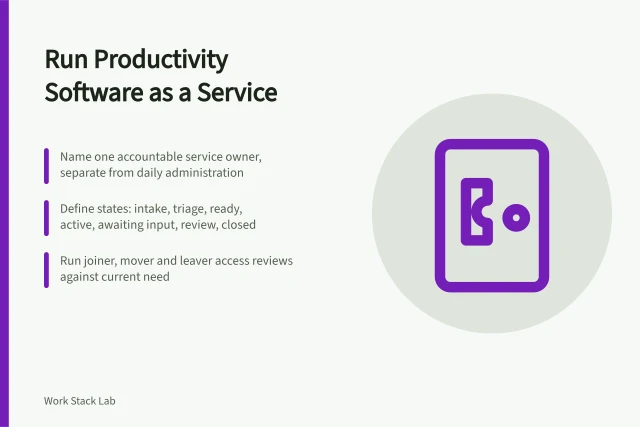
A business productivity software operating workflow should tell a colleague what to do with the next piece of work. It is not a screen tour. Build the route around decisions and evidence, then configure the software to support it.
This method is for an organisation in England. It does not prescribe employment practice or determine data-protection compliance. Get qualified review where the workflow monitors people, carries sensitive information or changes contractual responsibilities.
What to take away
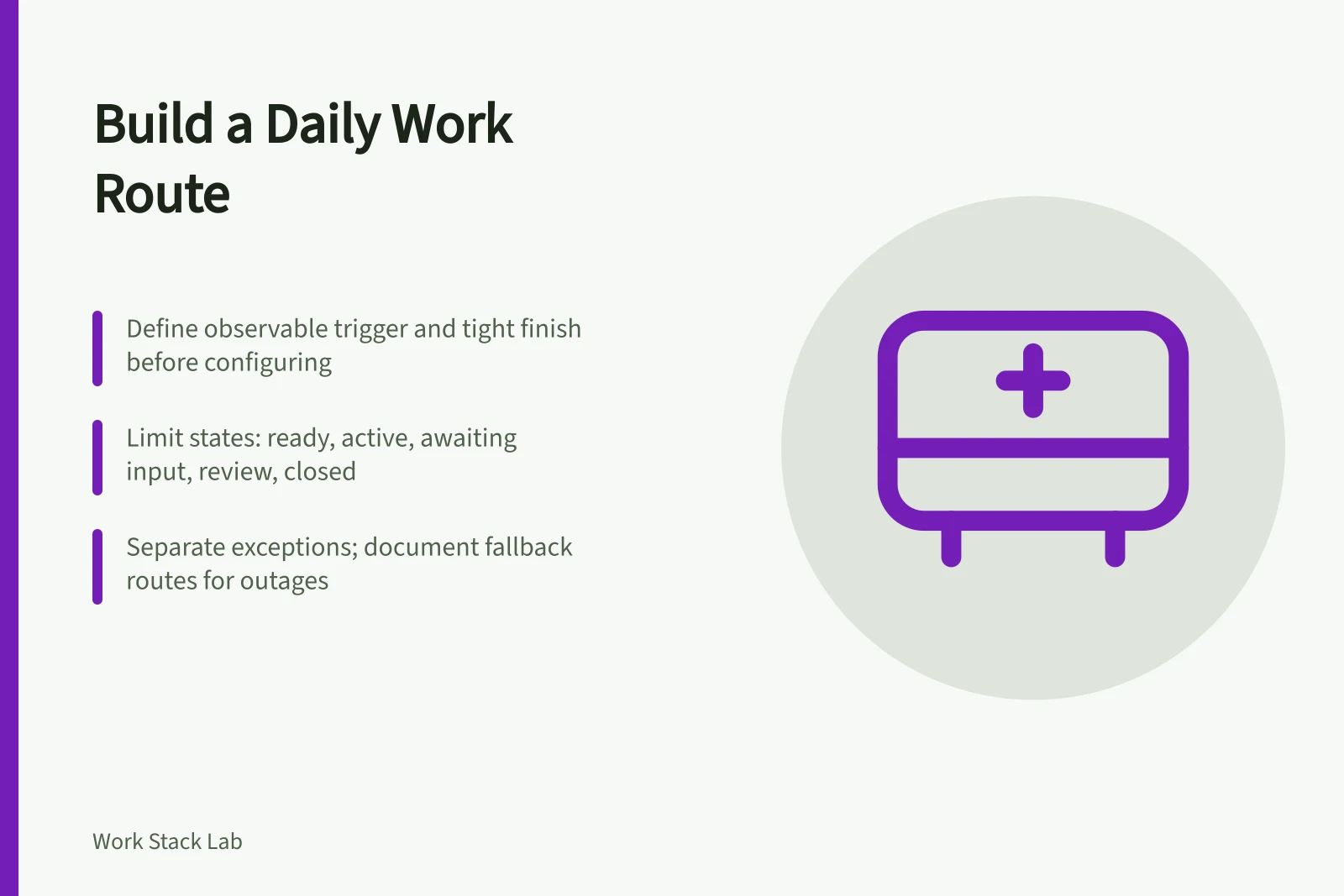
- Define an observable trigger and a tight finish before configuring any workflow.
- Limit work states and specify entry, owner and evidence for each transition.
- Separate normal work from exceptions and document fallback routes for outages.
- Close items with evidence and review a small sample weekly to improve the route.
1. Define the trigger and finish
Choose an observable starting event, such as receipt of a complete request, rather than "when work begins". Define completion just as tightly. It might require the deliverable, checker approval, requester notification and filing of a specified record.
Trigger vs Finish
Trigger
- Event
- Complete request received
- Not
- When work begins
- Requires
- Observable start
- Also
- Intake door
- Record
- Request logged
Finish
- Event
- Deliverable + approval
- Not
- Task moved on screen
- Requires
- Checker sign-off
- Also
- Requester notified
- Record
- Specified record filed
Write down what sits outside the route. A suspected security incident, complaint or urgent safety matter may need immediate escalation rather than an ordinary task card.
2. Design one controlled intake
Select a form, monitored mailbox or approved integration as the normal door. Ask only for information that changes triage or delivery. The ICO's data-protection by design guidance calls for privacy to be built into processing from the outset. A privacy reviewer should settle purpose, lawful basis, access and retention for the actual data.
Controlled Intake Route
- Select form, mailbox or integration
- Ask only triage-changing questions
- Privacy reviewer settles purpose and retention
- Incomplete submissions get visible route back
- Do not hide incomplete items in queue
Give incomplete submissions a visible route back to the requester. Do not leave them hidden in an intake queue that appears healthy.
3. Make triage a decision
For each incoming item, decide acceptance, priority, owner and required review. Use a short reason code for rejection or redirection. Keep prioritisation criteria specific enough that two trained people would reach broadly consistent answers.
Triage Decision
Accept or reject?
assign priority, owner, review
use reason code and redirect
State the triage interval and deputy. During busy periods, an ageing unassigned queue is easier to act on than a total count. Reserve an explicit fast route for genuinely urgent work so that every requester does not label their task urgent.
4. Limit states and define movement
A workable route might use ready, active, awaiting input, review and closed. For every state, set the entry condition, allowed owner and evidence needed to leave. "Awaiting input" should name whose input and when it will be chased. "Blocked" should trigger an action, not become long-term storage.
Keep handovers visible. The sender confirms that required material is present; the receiver accepts ownership. An automated assignment can distribute work, but it does not prove the recipient has capacity or understood the request.
5. Separate normal work from exceptions
Document what happens when the usual owner is absent, a dependency misses its date, the platform is unavailable or a request changes after work starts. Put the fallback intake and priority-work list somewhere available during an outage.
NCSC guidance on incident management treats response as a maintained organisational capability linked to continuity and recovery. Use that source for security preparation, while letting the workflow owner define ordinary operational exceptions.
6. Close with evidence
Before closure, check the output, record the material approval and tell the requester what happened. If the item can reopen, define the reasons and retain its original dates. Reopening is useful quality information and should not be erased by creating an unrelated replacement task.
Schedule disposal or transfer of records according to the approved policy. A completed item need not remain indefinitely in the live board.
7. Review a small sample each week
Look at the oldest open item, one rejection, one exception and one recently closed case. Ask where waiting occurred, whether ownership was clear and whether required evidence exists. Government guidance on performance metrics starts with the question being answered and pairs quantitative data with user research. Its mandatory KPI rules concern central government, but this inquiry-led habit is useful elsewhere.
Change one rule only when evidence identifies the problem. Record the previous definition and effective date so trends are not confused by a silent workflow edit.
Test the complete route with a realistic example before wider use. A successful test ends with an accountable owner, usable record and understood exception path, not simply a task that moved across the screen.
Before you act
- Write down what sits outside the route.
- Select one controlled intake method.
- Define triage interval and deputy.
- Limit states and define movement conditions.
- Document exception handling and fallback intake.
- Test the complete route with a realistic example.
Common questions
What should a workflow tell a colleague?
A business productivity software operating workflow should tell a colleague what to do with the next piece of work. It is not a screen tour. Build the route around decisions and evidence, then configure the software to support it.
How should incomplete submissions be handled?
Give incomplete submissions a visible route back to the requester. Do not leave them hidden in an intake queue that appears healthy. This ensures the requester knows what is missing and can provide the necessary information.
What should be checked before closing an item?
Before closure, check the output, record the material approval and tell the requester what happened. If the item can reopen, define the reasons and retain its original dates. Reopening is useful quality information and should not be erased by creating an unrelated replacement task.