Outlook
Running a forms and SOP stack for multi-site franchise operations
How to wire a branch feedback form into an SOP library so responses trigger versioned revisions, plus audit trails, field mapping and UK data protection duties.
What to take away
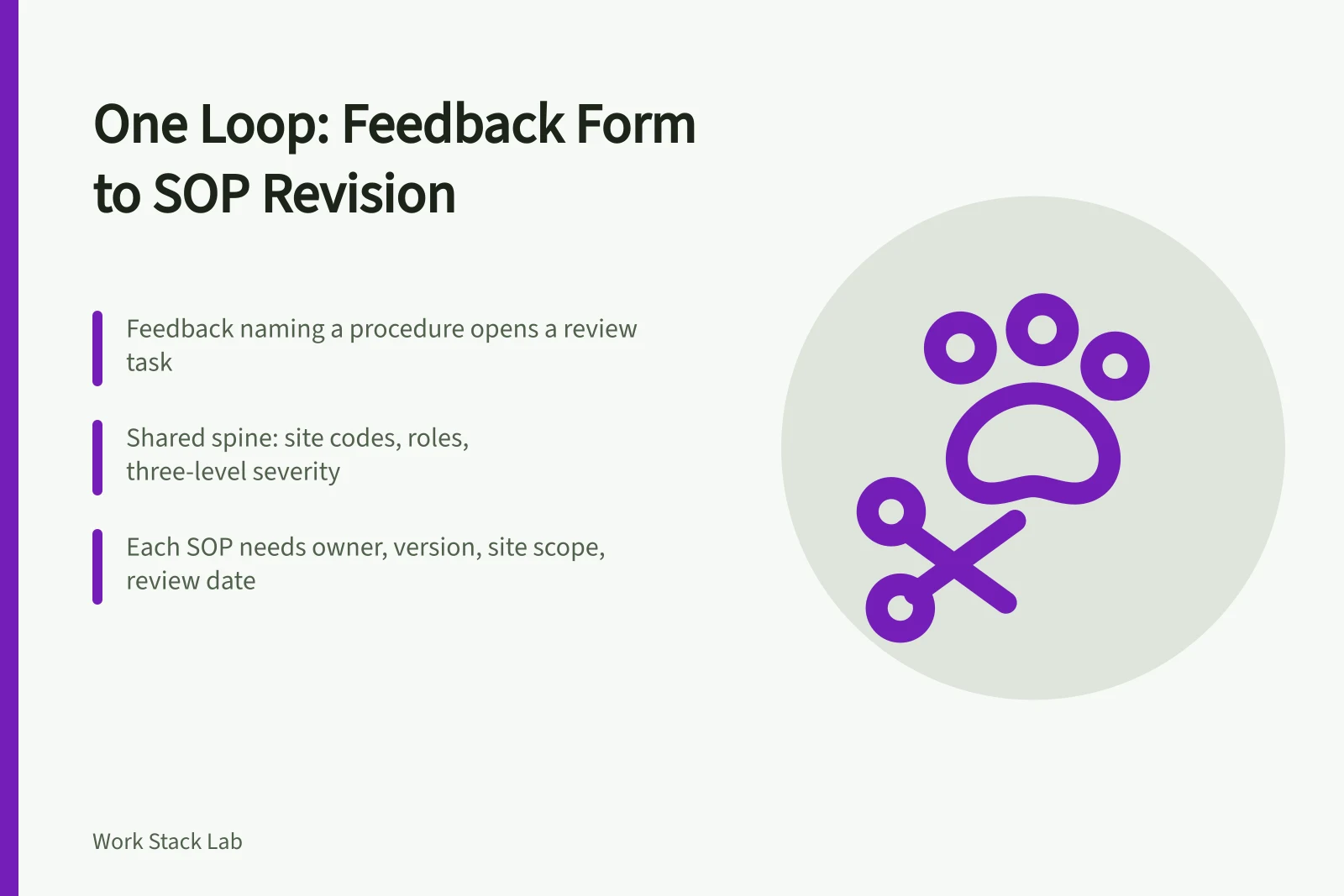
- One loop connects branch feedback to SOP revisions. A form response opens a review task, the SOP owner versions the document, and the new version returns to the sites.
- Franchise operations software works best when the form and the SOP library share one site code list, one role list and one severity scale.
- SOP compliance tracking needs four fields per document: owner, version number, site scope and review date.
- Feedback forms collect personal data, so the processing record matters as much as the question design.
Why one loop beats two systems
Most networks buy a form builder and a document tool as separate purchases. Each does its job well. Neither closes the circle. A branch reports that the closing checklist is wrong, the report sits in a spreadsheet, and the procedure stays unchanged.
That gap sits in the middle of multi-site operations standardisation. The fix is not a larger platform. It is one rule: any feedback response that names a procedure creates a review task for that procedure.
The rule needs two halves. The form half decides how a branch reports a problem. The SOP half decides how a new document version reaches every site.
Choosing the form platform deserves real attention, because our comparison of Microsoft Forms, SurveyMonkey and Typeform sets out the contract gaps UK buyers should check before signing.
The SOP half has its own method, from version control to pilot rollouts, set out in standardising franchise operations with SOP software.
Build the shared spine first
Agree the reference data before either system goes live.
- Site code lista short code per branch, used in the form, the SOP folder and the audit log.
- Role listwho may submit, who may approve, who may view.
- Severity scalethree levels, defined once and published to every site.
Franchise feedback forms that carry a site code and a document ID can be grouped, counted and routed without manual sorting.
Step by step: wiring the feedback form to the SOP library
Use a builder that supports hidden fields and conditional branching.
Wiring the feedback form to the SOP library
- Give every SOP a document ID, an owner, a version number and a review date.
- Add hidden fields to the form for site code, SOP document ID and submission timestamp.
- Map severity so a level one response opens an incident and a level two opens a review task.
- Route the review task to the SOP owner with a deadline, such as ten working days.
- Publish the revised SOP to the affected sites only, then close the original response with a link to the new version.
Field mapping between form and SOP library
| Feedback field | SOP library field | What it triggers |
|---|---|---|
| Site code | Site scope | Which branches receive the revision |
| SOP document ID | Document record | A review task for one procedure |
| Severity level | Review priority | Incident record or scheduled review |
| Date observed | Version history | The start of the review clock |
| Submitter role | Access list | Whether manager approval is needed |
Example: a till close procedure across twelve sites
Suppose a franchise with twelve sites finds that the till close checklist misses a card terminal reconciliation step. Three branches raise it in one month.
The regional manager sees three responses filed against the same SOP document ID. That pattern is enough to open a review. The SOP owner drafts version four, pilots it at the three reporting sites for a fortnight, then publishes it across the network.
Compliance tracking and the branch audit workflow
SOP compliance tracking depends on the trail behind each change. Keep the submission, the review task, the draft, the approval and the publish date in one record.
A revision without a version number is not a revision. It is an unlogged change.
A branch audit then becomes a sampling exercise. The auditor checks the version number displayed in the site against the version held in the library.
Data protection and platform choice
Feedback forms often carry names, customer details or incident reports. Record the lawful basis, the retention period and the viewing rights for each response. The ICO guide to the UK GDPR explains the duties that apply.
UK franchise operations carry a shared duty here, because each branch processes data under its own arrangements.
SOPs that cover physical risk, from fryer cleaning to manual handling, should follow the HSE risk management guidance when they are written.
If the form platform is cloud hosted, the NCSC cloud security guidance helps when assessing the supplier.
Common questions
How many sites justify this setup?
Three or four. The spine of site codes, roles and severity levels takes about a day to agree and repays itself at the first review.
Who owns a master SOP in a franchise?
The franchisor usually holds the master. A franchisee may propose changes through the form, and the SOP owner decides whether to publish a new version.
Can a form builder handle severity routing?
Some can, using branching and notification rules. Others need a small workflow tool or a spreadsheet step in between.
Do we need a separate audit application?
No. A filtered view of the same response log supports most branch audits, because the version history is already in place.